Installing SQL Servers may pose problems depending on the resources on your computer, but uninstalling SQL Servers may also present problems. However installing / uninstalling SQL Servers have become very easy and straight forward lately. In the following I present some screen shots of uninstalling SQL Server 2012 instances (Evaluation Enterprise) on a Windows 7 (x64) Ultimate OS on Toshiba Satellite P775 Laptop used in the preparation of materials used in my recent book. These instances were used to completely document Reporting Services 2012 in both Native Mode and SharePoint Integrated mode.
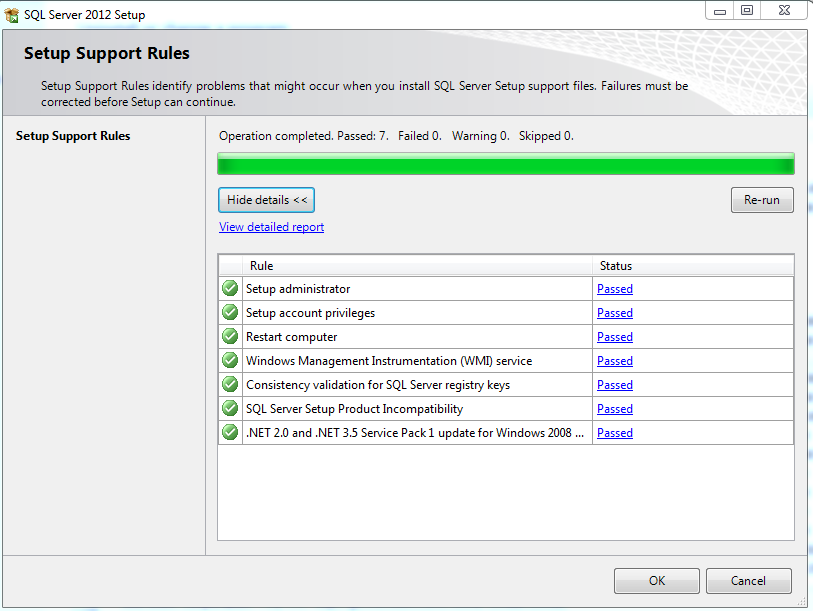
You start from Control Panel and go to uninstall programs and locate Microsoft SQL Server 2012 and right click and pick Uninstall. SQL Server Installation Center takes control. The program processes the support rules.
You Click OK to go to the next step.
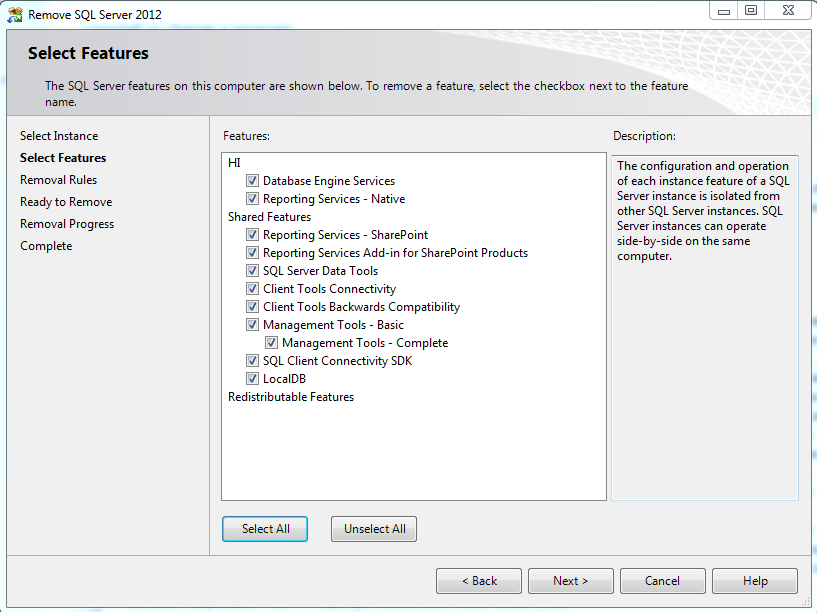
I need to uninstall two instances. Instance HI is installed for Reporting Services for Native mode.
I choose to uninstall the HI instance first and click Next to select the features to uninstall.
I select all the displayed features and click Next.
The program checks for removal rules. I click Next.
Program is now ready to remove. I click Next.
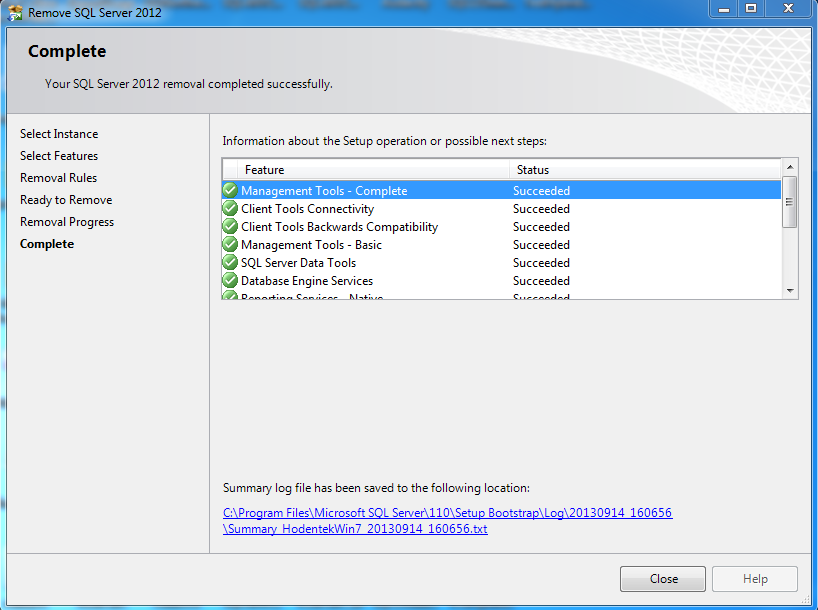
It removed the items selected.
I close out and run the Uninstall from Control Panel once again.
The program processes the support rules.
This time I choose to removed the instance NJ which was used to investigate Reporting Services in
SharePoint Integrated mode and Analysis Services to support Tabular Data Model.
I select all features and click Next.
Program runs thru' removal rules.
Program is ready to remove. I click Next.
Looks like the program did a good job of removal.
I close out and verify in Control Panel.
All shortcuts are gone.
However there are still items in the Control Panel (Programs) that may interfere with my installing SQL Server 2014 CTP1. I will cross the bridge when I come to it.
Removing SQL Server 2012 did not present any problems. I have a Windows XP machine with several instances of SQL Server 2005, 2008, 2008 R2 that I was unable to remove completely and resorted to flattening the lap top.