Showing posts with label Native Mode. Show all posts

Monday, August 27, 2018

SQL Server Reporting Services 2016 - Modes of Operation

The choices have not changed from previous versions. Your choice would depend on what you want to do. The resources needed will also influence your decision. For Example, the SharePoint mode would imply that you are running SharePoint Server or Services.

During SQL Server 2016 Installation you can choose to specify Reporting Services Configuration mode (review the screen shot).

There are two modes that you can specify Reporting Services Configuration:

Reporting Services Native Mode
Reporting Services SharePoint Integrated Mode

You can choose both modes or just one mode.

If you choose to install the Native mode there are two options:

Install and Configure
Install Only

Install and Configure option installs and configures the report server in Native Mode. However you need to do further configuration for your specific case. The Report Server is operaitonal with the Windows Service and the databases needed by Reporting Services in your named instance.

Install only installs the report server files. You need to use the RS Configuration Manager to compele configuration.

If you choose to install the SharePoint Integrated Mode you can only install the Report Server files but you will need SharePoint Central adminsitration to complete configuration.


Details for both modes of installation for SQL Server 2012 were described in my book:

ISBN 139781849689922
Paperback566 pages


Thursday, May 11, 2017

Branding a Reporting Services Web Portal

Branding is an important feature of a Reporting Service Web Portal to drive business. It should be very attractivewith a nice logo; colors and features that should be able to choose how you present it.
This will be true for mobile reports as well. Microsoft has provided ample guidance as to how you go about branding your reporting site.


Brand Package consists of

a zip file with 3 named files:

color.json, metadata.xml,

and logo.png

Friday, March 24, 2017

Download Report Builder for SQL Server 2016

Report Builder is a highly productive, stand-alone tool for authoring reports and deploying them on configured Microsoft Reporting services report servers. It can use data from different kinds of data sources to produce  a variety of reports, from hard copies to web based reporting.

Report Builder 3 Details:
--------------
Version:
14.0.344.82
File Name:
ReportBuilder3.msi
Date Published:
3/9/2017
File Size:
22.6 MB
-----------------

You need Microsoft .NET Framework 4.5
. The memory and CPU requirements are average.

This is supported on  the following OSs:
Windows 10 , Windows 7, Windows 8, Windows 8.1, Windows Server 2008 R2, Windows Server 2008 R2 SP1, Windows Server 2012, Windows Server 2012 R2

download from here:
https://www.microsoft.com/en-us/download/confirmation.aspx?id=53613

Please review the earlier versions of Report builder in two of my published books here:


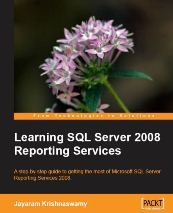
The second book Learning SQL Server 2008 Reporting Services is ideal for beginners who want to spin-out reports from a variety of data sources and deploy them to report servers. The book is replete with step-by-step, hands-on exercises where the users can hone their skills.


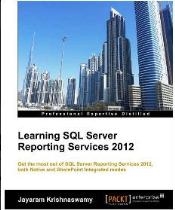
The fifth book Learning SQL Server Reporting Services 2012 is a revised edition and a deals with both Native and SharePoint Integrated modes of Report Servers. This covers every aspect of the first edition(second book) with lots of added material to include development in the intervening years.

  As the author of these Microsoft Business Intelligence related books I have great confidence in their usefulness. I would love to hear from you. Email me at: hodentek@live.com.

Wednesday, June 15, 2016

Connecting to SQL Server 2016 from Power BI

 Most of the SQL Servers have an integrated Reporting Services, a stable work horse for not only turning out reports but also handling all aspects of enterprise reporting from getting data to distributing, monitoring, etc. It has a reporting services Report Server and an integrated Report Manager front end.

I have covered the Reporting Services in two of my more popular books, one for SQL Server 2008 and another for Reporting Services 2012. The latter covers both the Native Mode of the server but also the SharePoint Integrated mode.


PowerBI on the other hand is supposed to provide the ad-hoc authoring of reports even though the author of the report has the knowledge of neither the complete innards of the report data nor the programming capabilities of a full-blown report developer.

In this post, I will step through the process of connecting to SQL Server 2016 from one of the recent versions of Power BI. I have a number of posts for the interested reader related to Power BI at the conclusion of this post.

The details of this post relates to a Windows 10 laptop which has a local named instance of SQL Server 2016 (Developer edition) and Power BI.

Step 1:
Launch POWER BI from its desktop shortcut.

PowerBI_00

Step 2:
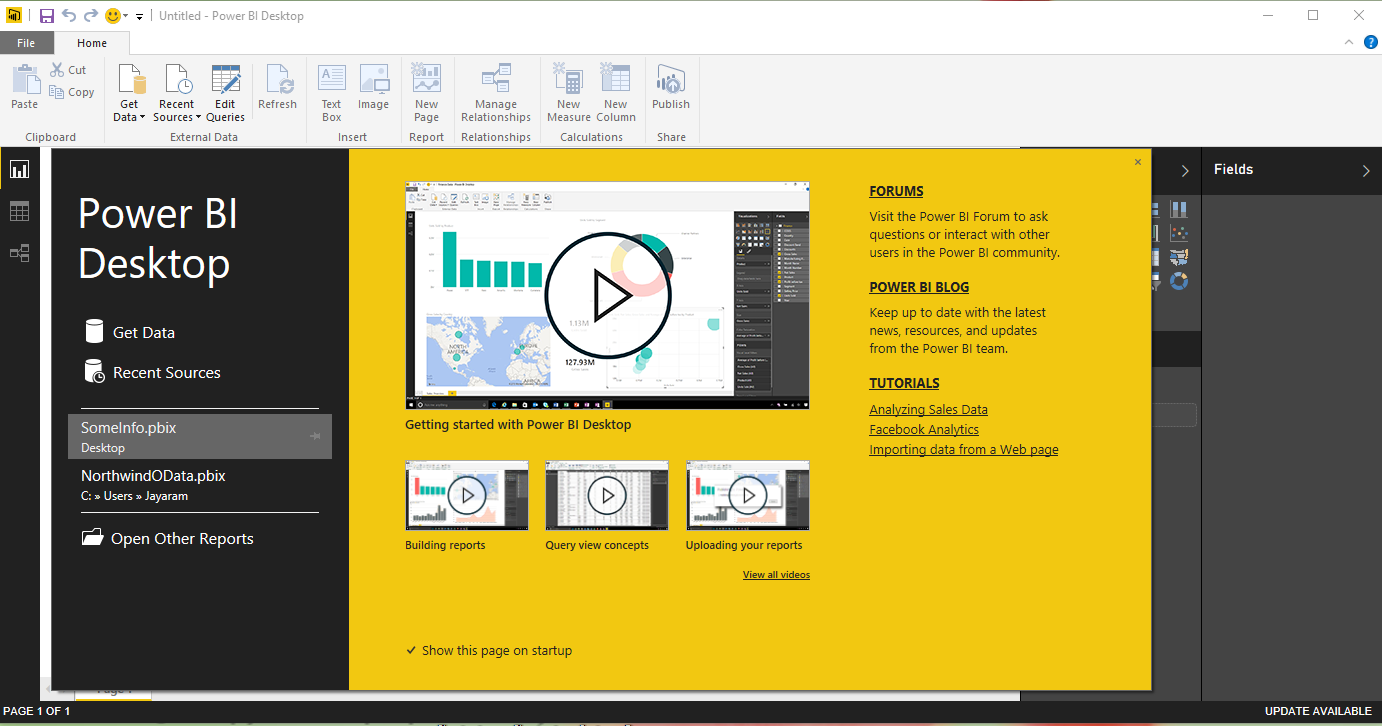
Make sure your SQL Server 2016 is up and running. Get to the main screen where you will be designing by dismissing the modal splash screen.

PowerBI_01

 Click on GetData. You should get a drop-down menu with various data sources listed. When you hover over SQL Server you can see the pop-up as shown.

 PowerBI_02
 Click on SQL Server to display the following:


  PowerBI_03
You need to enter the details. The present version is not showing any options to browse for a server. You need to enter (You can get the information from the SSMS 2016) the details, the one shown are for the present named Instance of SQL Server 2016.

PowerBI_04

Click OK and you will be displaying the following screen:


PowerBI_05


SQL Server 2016 was installed for Windows Authentication access and therefore you can accept the default and click Connect.

You get this message related to encryption. SQL Server 2016 supports encryption and I am not sure why this message generated.


PowerBI_06

Click OK and you are connected to the AdventureWorks2014 Database as shown.

PowerBI_07

You may want to read up on the following related stuff to get a head start with Power BI:

PowerBI and the Cloud
http://hodentek.blogspot.com/2015/08/doing-bi-in-cloud-using-powerbi-for.html

PowerBI on Gartner's Magic Quadrant
http://hodentek.blogspot.com/2015/07/qlik-is-in-gartners-bi-magic-quadrant.html

Report from SQL Anywhere 16 using Microsoft Power BI
http://hodentek.blogspot.com/2015/02/powerbi-preview-reporting-from-sql.html

Report from an EXCEL application
http://hodentek.blogspot.com/2015/02/powerbi-preview-reports-using-data-on.html

Rapid reporting with Microsoft Power BI
http://hodentek.blogspot.com/2015/02/spin-out-cutting-edge-report-with-power.html

Microsoft Intelligent System Services
http://hodentek.blogspot.com/2015/03/microsoft-azure-iot-services-update.html

Power BI Unchained
http://hodentek.blogspot.com/2015/02/power-bi-unchained.html

Sunday, November 8, 2015

Hands-on training event in Honolulu: SQL Server Reporting Services 2012 in Native Mode


This hands-on course will provide you with the ability to create cutting edge reports using Microsoft's latest reporting services product, SQL Server 2012.

The course is offered by the Pacific Center for Advanced Technology Training(PACTT): http://pcatt.hawaii.edu/home

Report writing is one of the most important IT related jobs in an enterprise. This course is for you if you would like to master report writing/authoring using SQL Server Reporting Services. The course begins with a presentation of essential technical background, after which you will work through guided hands-on exercises.
At the end of the course you will have gained:

• A solid understanding of how to interact with SQL Servers
• Knowledge and experience installing and configuring reporting Services
• A working knowledge of using Report Builder to author reports and deploy them to report server
• A working knowledge of Report Manager's ability to carry out administrative tasks related to all aspects of reports; creating shared data sources, folder and folder hierarchies on the report server, and report models; managing security and subscriptions; and configuring data driven subscriptions
• An understanding of how to embed report viewer controls in windows and web projects.

Venue: Honolulu Community College Honolulu Community College
874 Dillingham Blvd Honolulu, HI 96817-4598
Phone: (808) 845-9211
Official Website: honolulu.hawaii.edu/

Section 1 - Mar 22 - Apr  28, 2016; TTh; 5:30 pm - 8:30 pm; 12 mtgs

I will be using my latest book on SQL Server Reporting Services for this course:


Thursday, December 11, 2014

Hands-on learning event in Honolulu -SQL Server Reporting Services 2012


This hands-on course will provide you with the ability to create cutting edge reports using Microsoft's latest reporting services product, SQL Server 2012.

The course is offered by the Pacific center for Advanced technology Training: http://pcatt.hawaii.edu/home

Report writing is one of the most important IT related jobs in an enterprise. This course if for you if you would like to master report writing/authoring using SQL Server Reporting Services. The course begins with a presentation of essential technical background, after which you will work through guided hands-on exercises. At the end of the course you will have gained:
• A solid understanding of how to interact with SQL Servers
• Knowledge and experience installing and configuring reporting Services
• A working knowledge of using Report Builder to author reports and deploy them to report server
• A working knowledge of Report Manager's ability to carry out administrative tasks related to all aspects of reports; creating shared data sources, folder and folder hierarchies on the report server, and report models; managing security and subscriptions; and configuring data driven subscriptions
• An understanding of how to embed report viewer controls in windows and web projects.


Venue: Honolulu Community College Honolulu Community College
874 Dillingham Blvd Honolulu, HI 96817-4598 Phone: (808) 845-9211
Official Website: honolulu.hawaii.edu/

Section 1 - Mar 31 - May 7, 2015; TTh; 5:30 pm - 8:30 pm; 12 mtgs

I will be using my latest book on SQL Server Reporting Services for this course:


When Identity Security Becomes a Wall — Not a Shield

After a breach that forced a reset of my digital identity, I hit a roadblock I never anticipated: multi-factor authentication (2FA) locked m...